> ## Documentation Index
> Fetch the complete documentation index at: https://lfbuild.mintlify.site/llms.txt
> Use this file to discover all available pages before exploring further.
# Liquidity
Full Sail uses concentrated liquidity pools. When providing liquidity, users define a custom price range within which their position remains active. This ensures capital is deployed where it is most likely to be used, rather than spread across the entire curve.
## How to Provide Liquidity
**Before You Start**
Make sure you have a Sui wallet installed and sufficient balance of each token plus enough SUI to cover transaction fees.
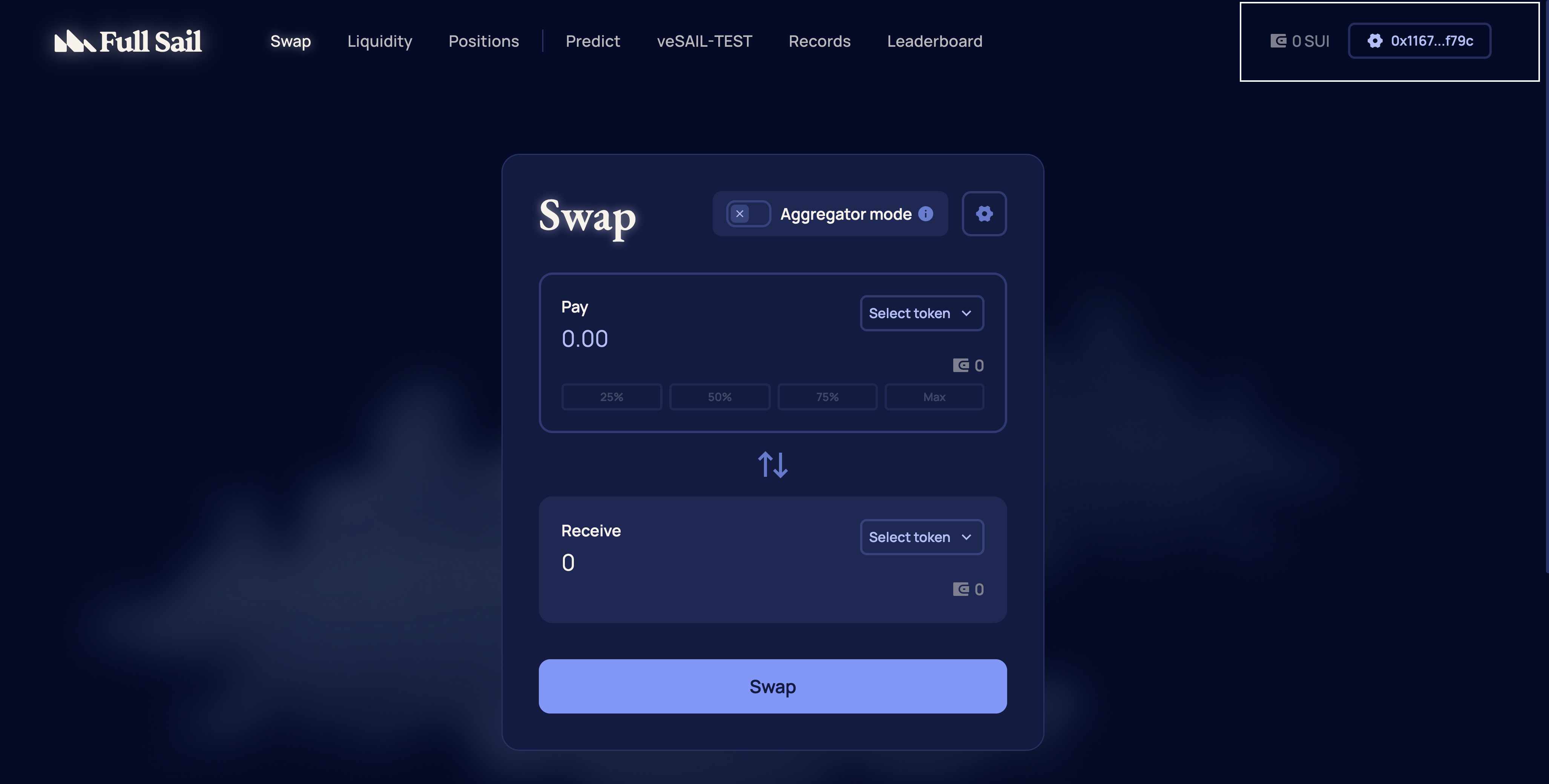
Go to [https://app.fullsail.finance/](https://app.fullsail.finance/) and connect a supported Sui wallet.
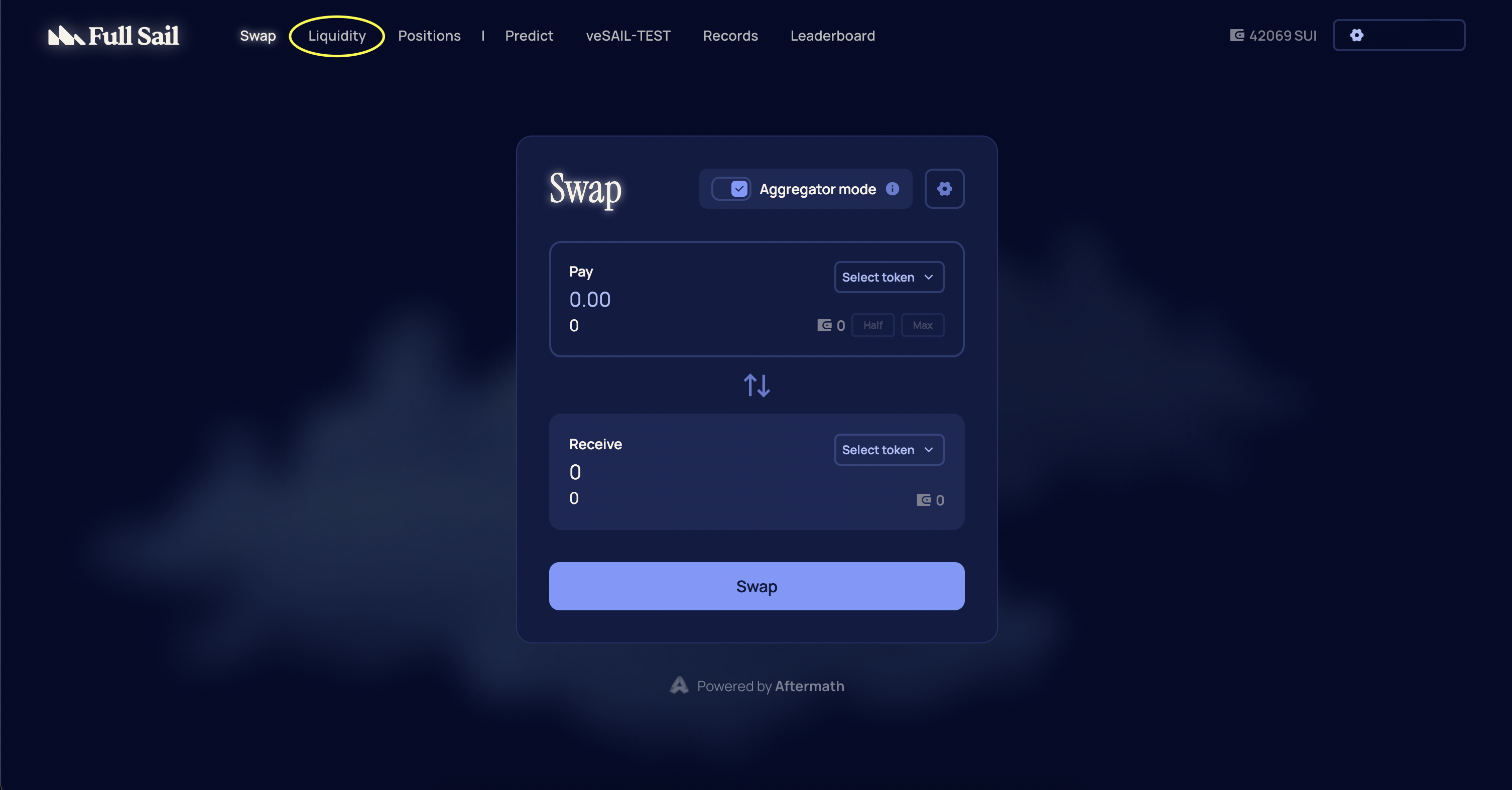
 From the navigation menu, select **Liquidity** or go directly to [https://app.fullsail.finance/liquidity](https://app.fullsail.finance/liquidity).
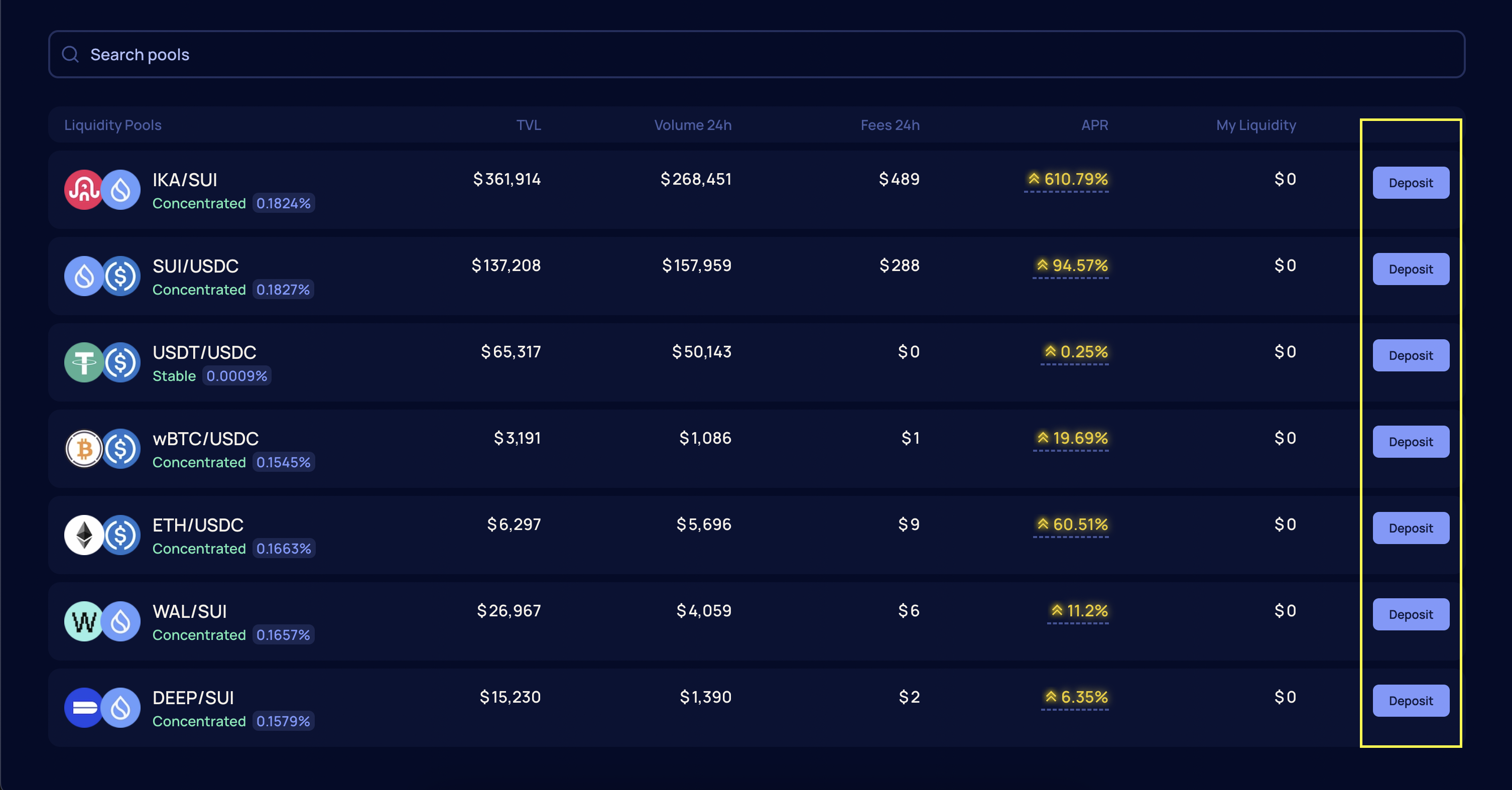
 Select the token pair you want to supply and choose Deposit.
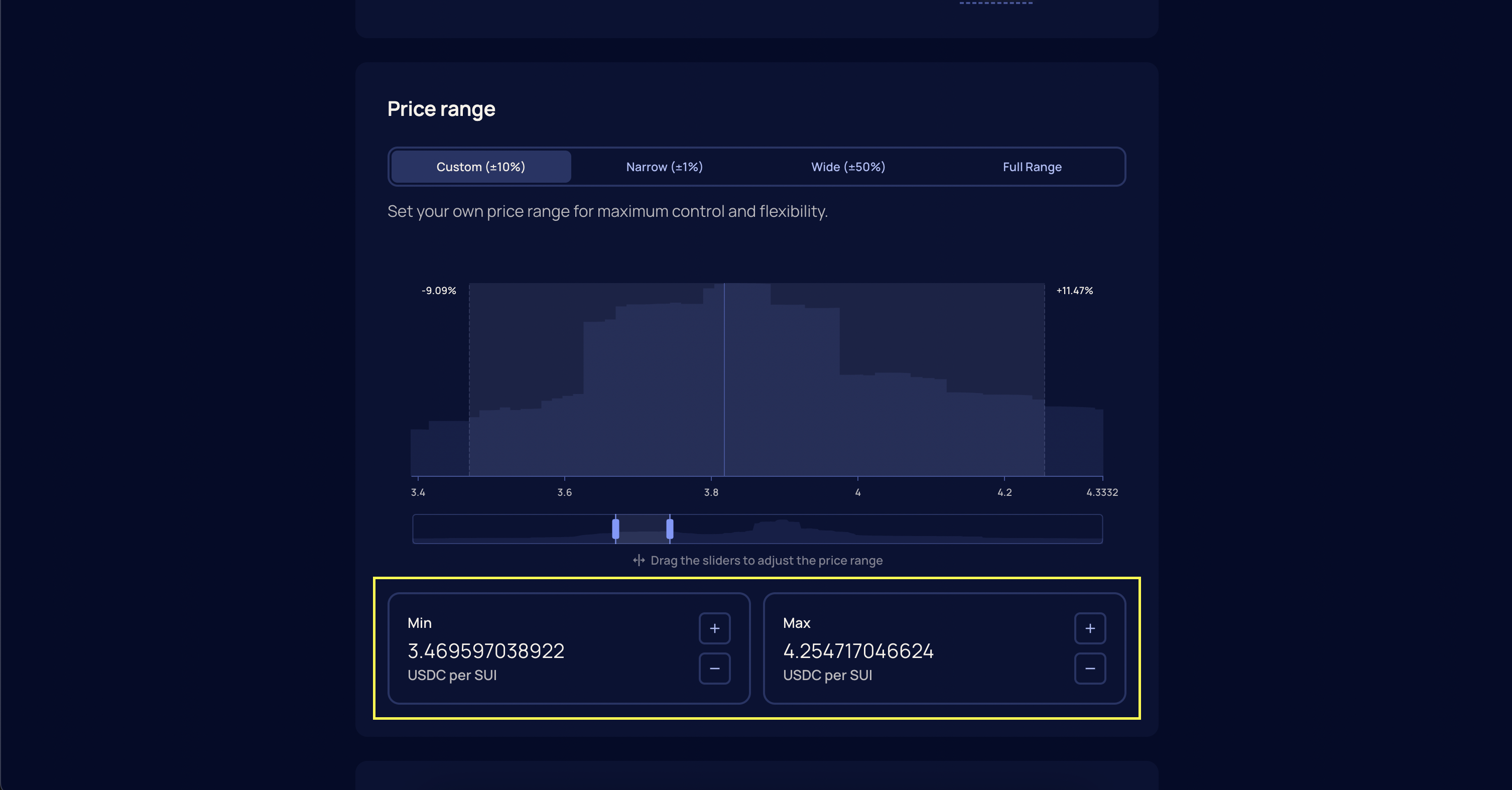
 Choose a price range for your position. Full Sail offers multiple range presets:
* **Full Range** covers all possible prices, similar to traditional AMMs.
* **Wide** and **Narrow** options concentrate liquidity around broader or tighter intervals near the current price.
* **Custom** allows you to define an exact price floor and ceiling for your position.
Choose a price range for your position. Full Sail offers multiple range presets:
* **Full Range** covers all possible prices, similar to traditional AMMs.
* **Wide** and **Narrow** options concentrate liquidity around broader or tighter intervals near the current price.
* **Custom** allows you to define an exact price floor and ceiling for your position.
 Enter the amount of each token you want to provide and select Add Liquidity.
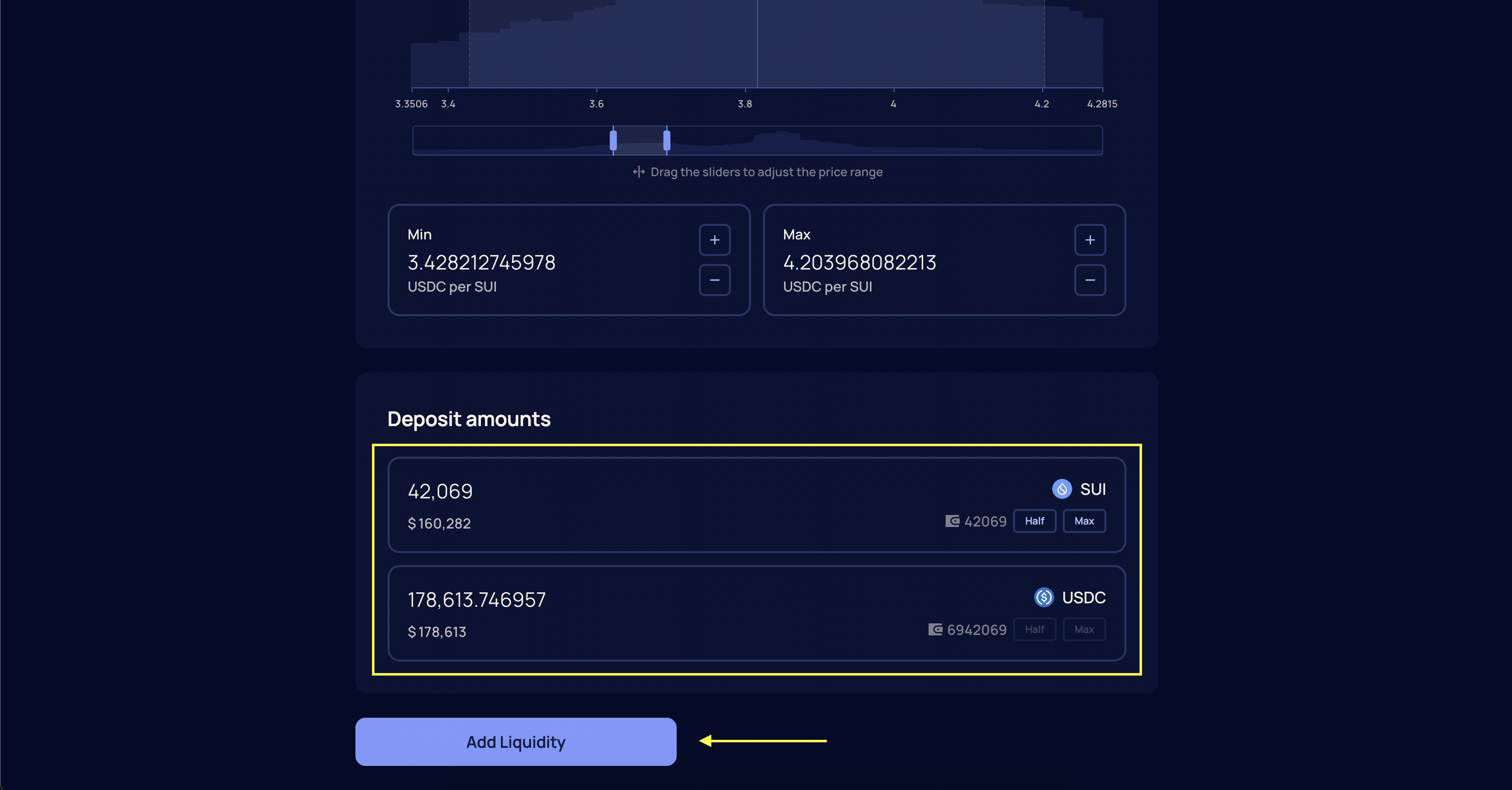 Confirm the transaction in your wallet. Once confirmed and finalized, your position will be active and visible in the Dashboard.
**Important**\
Your position will only earn fees when the current price is within your specified range.
## Managing Liquidity
Liquidity positions can be managed from the **Dashboard** at [https://app.fullsail.finance/dashboard](https://app.fullsail.finance/dashboard). You can add more liquidity to an existing position or withdraw all or part of it at any time. Adding liquidity increases your position size while keeping the same price range. Withdrawing returns the underlying tokens to your wallet.
### How to Remove Liquidity
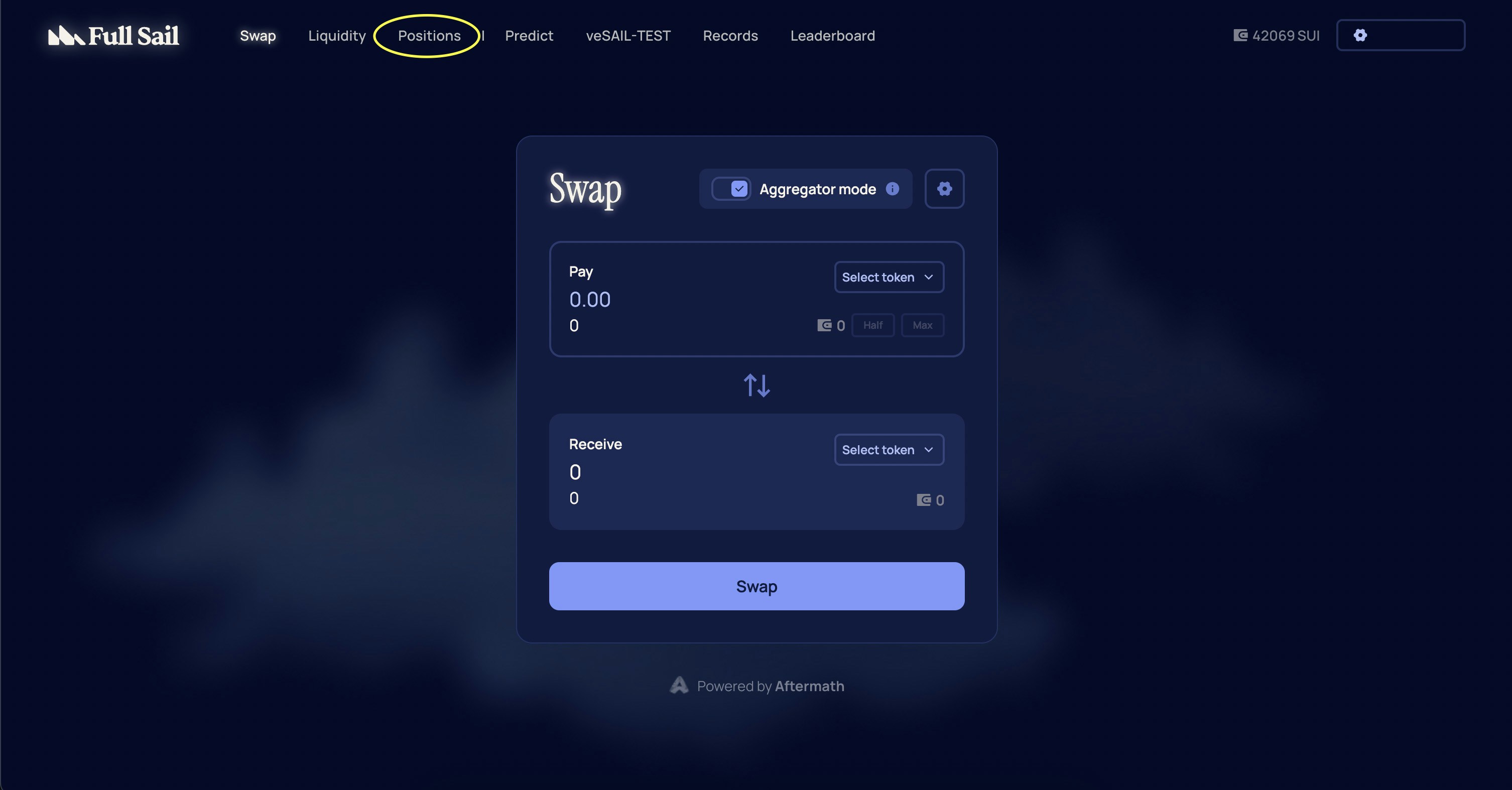
From the navigation menu, select **Positions** or go directly to [https://app.fullsail.finance/dashboard](https://app.fullsail.finance/dashboard).
Confirm the transaction in your wallet. Once confirmed and finalized, your position will be active and visible in the Dashboard.
**Important**\
Your position will only earn fees when the current price is within your specified range.
## Managing Liquidity
Liquidity positions can be managed from the **Dashboard** at [https://app.fullsail.finance/dashboard](https://app.fullsail.finance/dashboard). You can add more liquidity to an existing position or withdraw all or part of it at any time. Adding liquidity increases your position size while keeping the same price range. Withdrawing returns the underlying tokens to your wallet.
### How to Remove Liquidity
From the navigation menu, select **Positions** or go directly to [https://app.fullsail.finance/dashboard](https://app.fullsail.finance/dashboard).
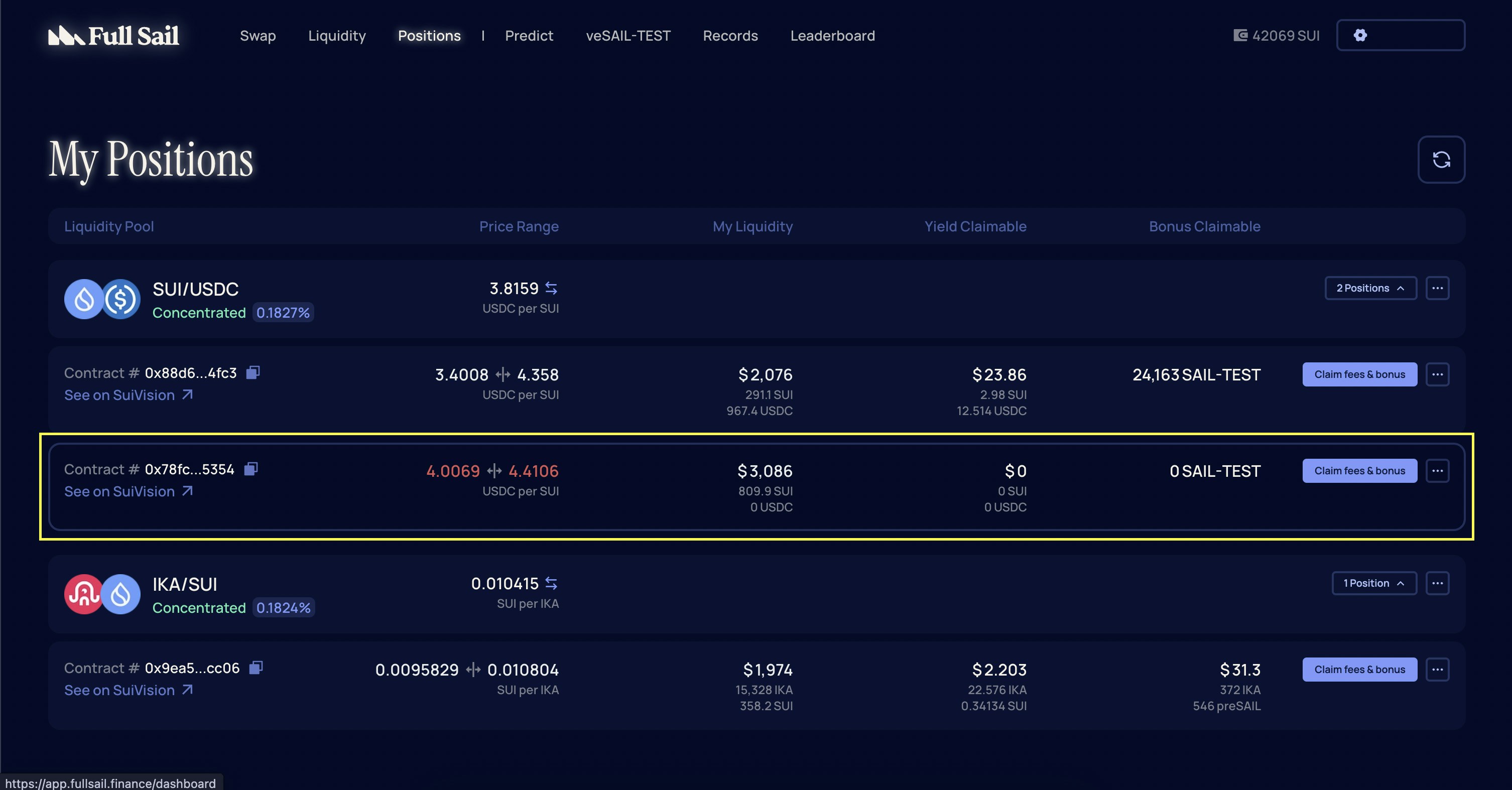
 Select the liquidity position you want to modify.
 On the **Manage Liquidity** page, choose **Decrease** under the **Action** section.
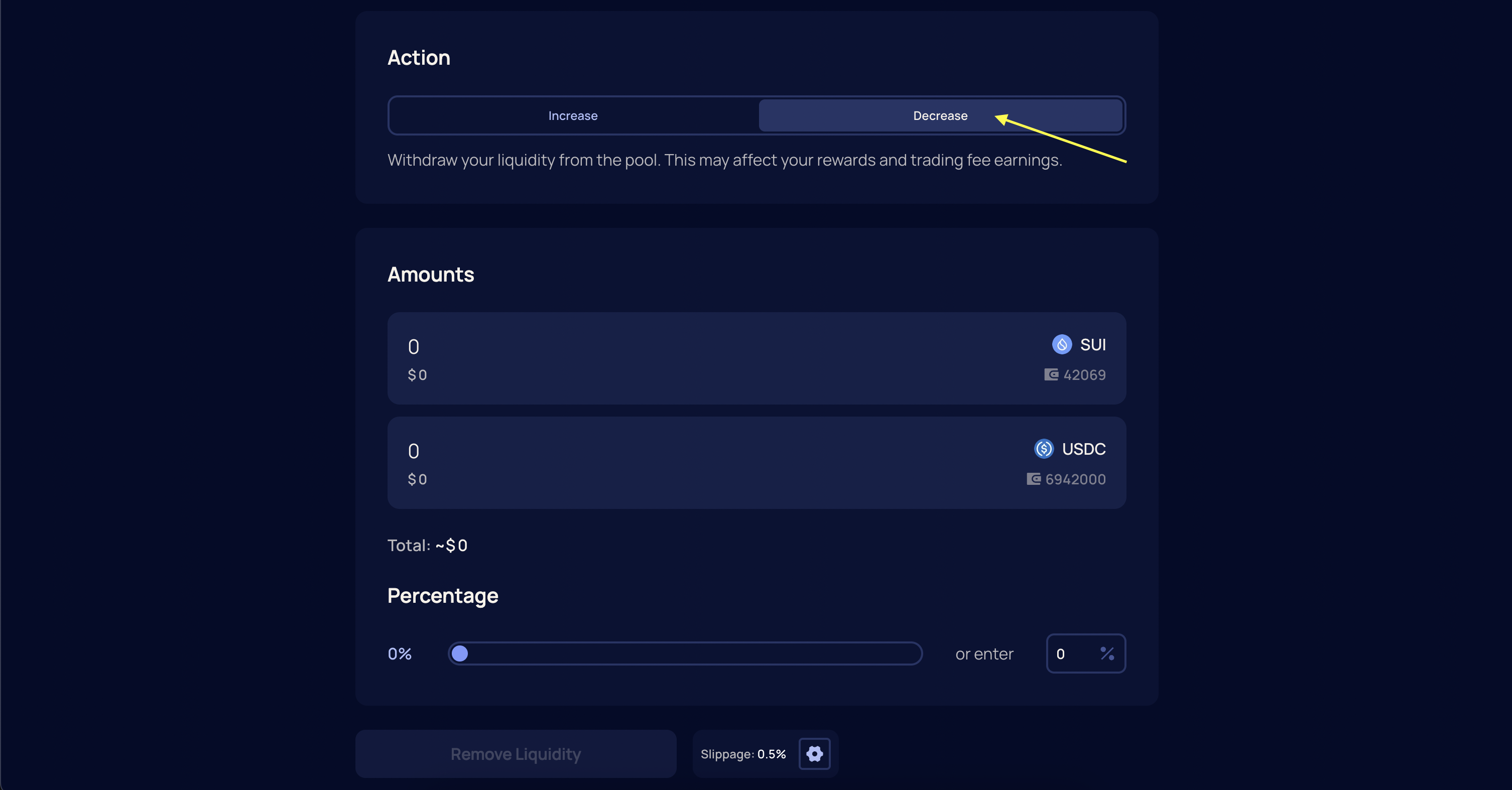 Specify the amount of liquidity to remove. This can be a partial or full withdrawal.
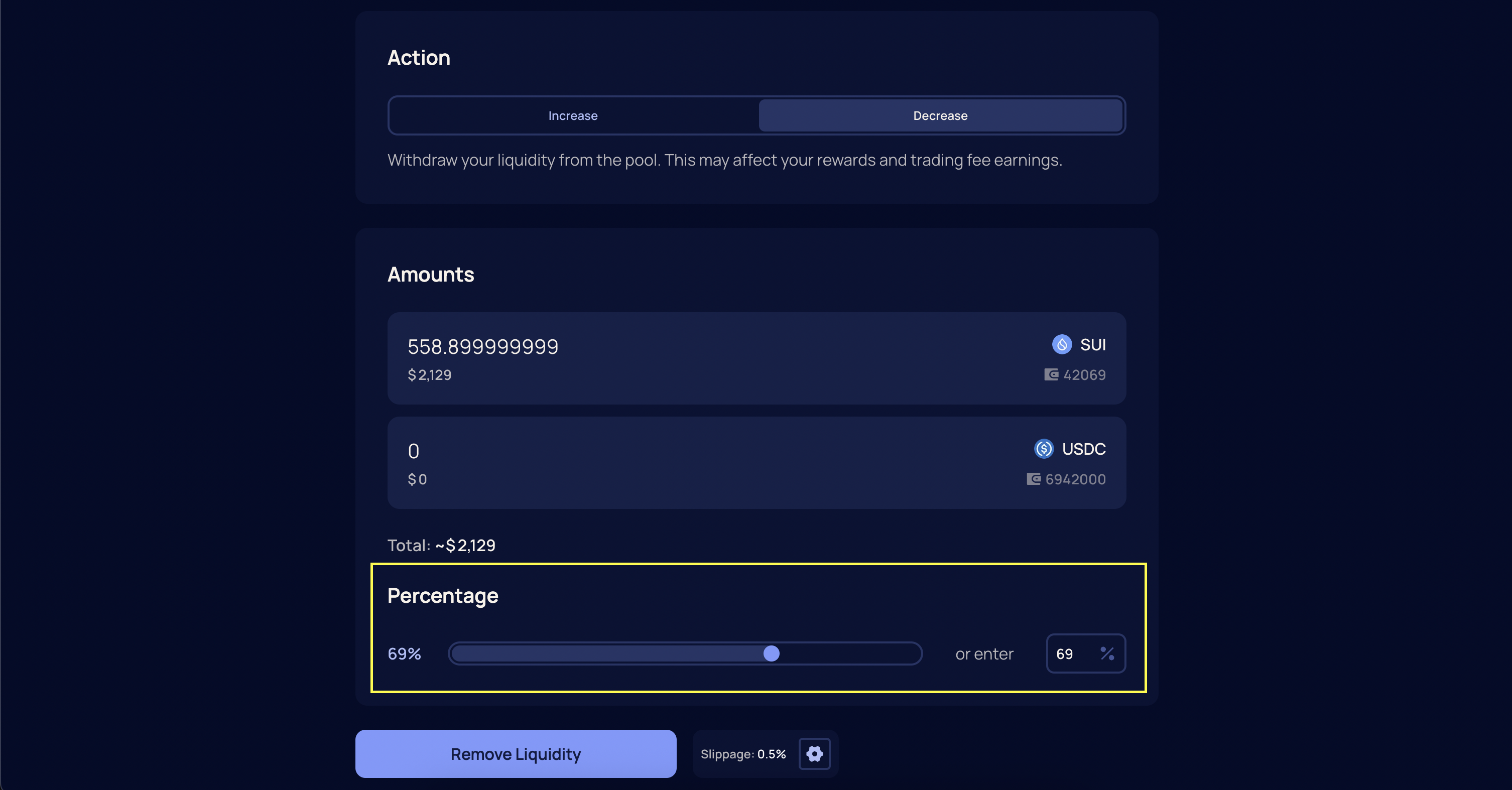 Confirm the transaction in your wallet. Once confirmed and finalized, your tokens will be returned to your Sui wallet.
**Note**\
Liquidity that is outside your active price range does not generate fees, but it can still be withdrawn. Make sure you have enough SUI in your wallet to cover transaction fees.
***
Confirm the transaction in your wallet. Once confirmed and finalized, your tokens will be returned to your Sui wallet.
**Note**\
Liquidity that is outside your active price range does not generate fees, but it can still be withdrawn. Make sure you have enough SUI in your wallet to cover transaction fees.
***